
LinkedIn posts
Get several versions of a post from one idea, pick the one you like, and edit it until it says what you mean.
Connect Claude or ChatGPT to Postalrios, and the posts you write in your chat are saved here, ready to schedule for LinkedIn. No copying and pasting.
No assistant? Postalrios drafts posts and carousels for you too. Explore the product
Try it now
How it works
Postalrios is where your assistant saves what you write together, and you decide what it may do there.
Create your account and add an interest, a subject you post about, for your posts to go under. Then, in Claude, add Postalrios as a custom connector; in ChatGPT, add it as a custom MCP server from Plugins. Claude Code, Cursor, and other agents connect with an API key.
Work on a post in your chat, then ask your assistant to save it to Postalrios. It can add an image you give it, or one Postalrios generates in your image style.
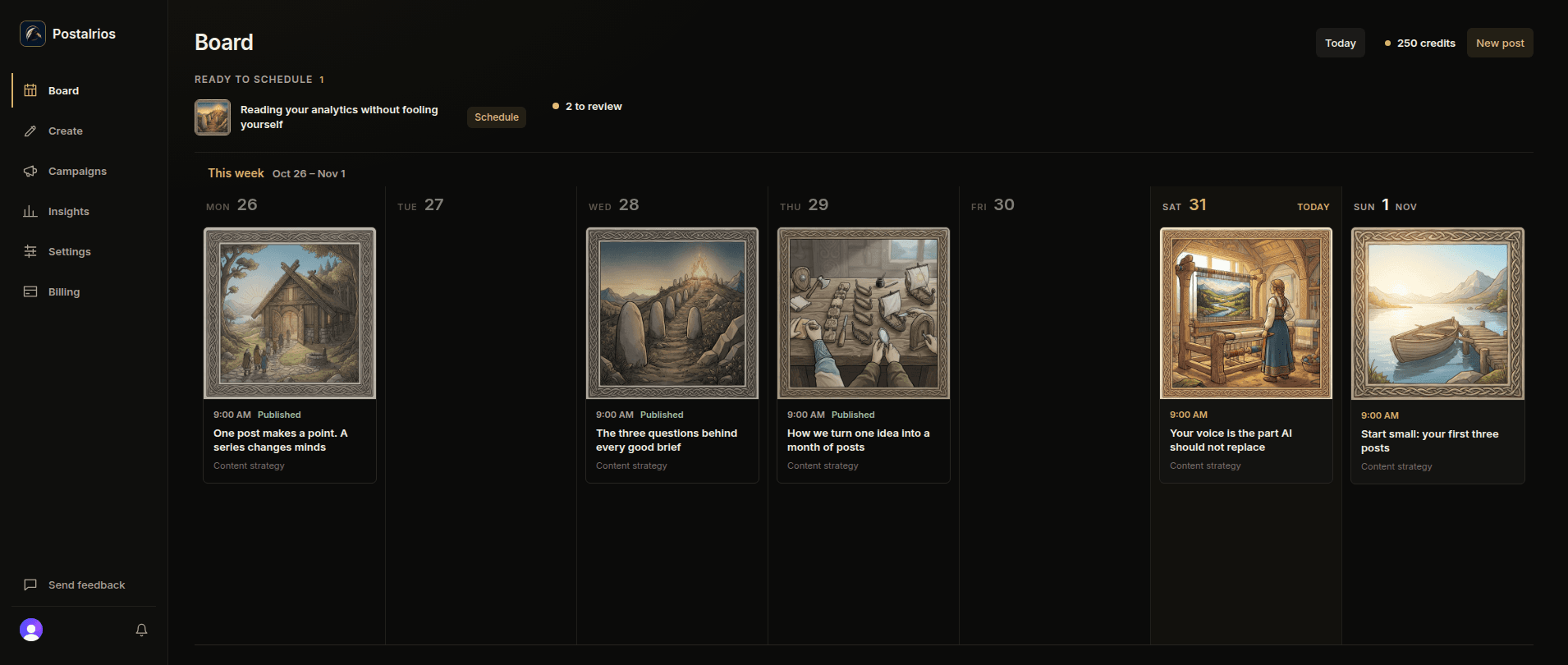
Look over the post in Postalrios, then pick a date and time or publish right away, to your LinkedIn profile. Single posts can also go to a company page you manage. A post with a newly generated image needs approving first. Your assistant schedules or publishes only if you allow it.
Or let Postalrios write
Start from an idea, yours or one Postalrios suggests, and get drafts you review and edit before anything is shared.
Get several versions of a post from one idea, pick the one you like, and edit it until it says what you mean.
Turn an idea into a carousel of 2 to 10 slides with a caption and an image on every slide. Postalrios publishes it to your LinkedIn profile as a PDF document. How carousels work.
Generate an image for a post or for each carousel slide from your image instructions. For a single post, you can upload your own instead.
Keep ideas by interest, add your own, or ask for suggestions researched around the focus you set.
Start free
10 credits a month, enough for 5 posts with an image each, or 10 posts your assistant saves, including the first image it generates for each. No card needed to start. Paid plans start at $15 a month. Compare plans.